Press
Sprigtime press kit
Everything you need to write about Sprigtime. Assets may be used in coverage of the app. For interviews or questions, email missinglink.solution@gmail.com.
About Sprigtime
One-paragraph description
Sprigtime is a free iPhone app that turns chores, homework and healthy routines into screen time children can understand and manage themselves. Parents set the rules — which tasks earn minutes, a daily allowance and a daily maximum, and which apps count. Children see their balance in a simple time bank, choose when to play, and earn more by getting things done. When the balance reaches zero, Apple's Screen Time technology pauses the apps the parent chose. Every minute earned, spent, borrowed or deducted is recorded in a ledger both parent and child can read. Sprigtime runs on-device with no account, no ads and no tracking.
100-word description
Sprigtime is a free iPhone app that lets children earn screen time by doing chores, homework and routines. Parents choose the tasks and their minute values, set a daily allowance and maximum, and pick which apps count. Kids see a simple time bank, decide when to start play, and earn more minutes by getting things done. At zero, Apple's Screen Time frameworks pause the chosen apps. A ledger records every change, a parent PIN protects parent controls, and optional borrowing and restorative consequences teach trade-offs without shame. Sprigtime keeps data on-device: no account, no ads, no tracking.
Key facts
- Name
- Sprigtime
- Tagline
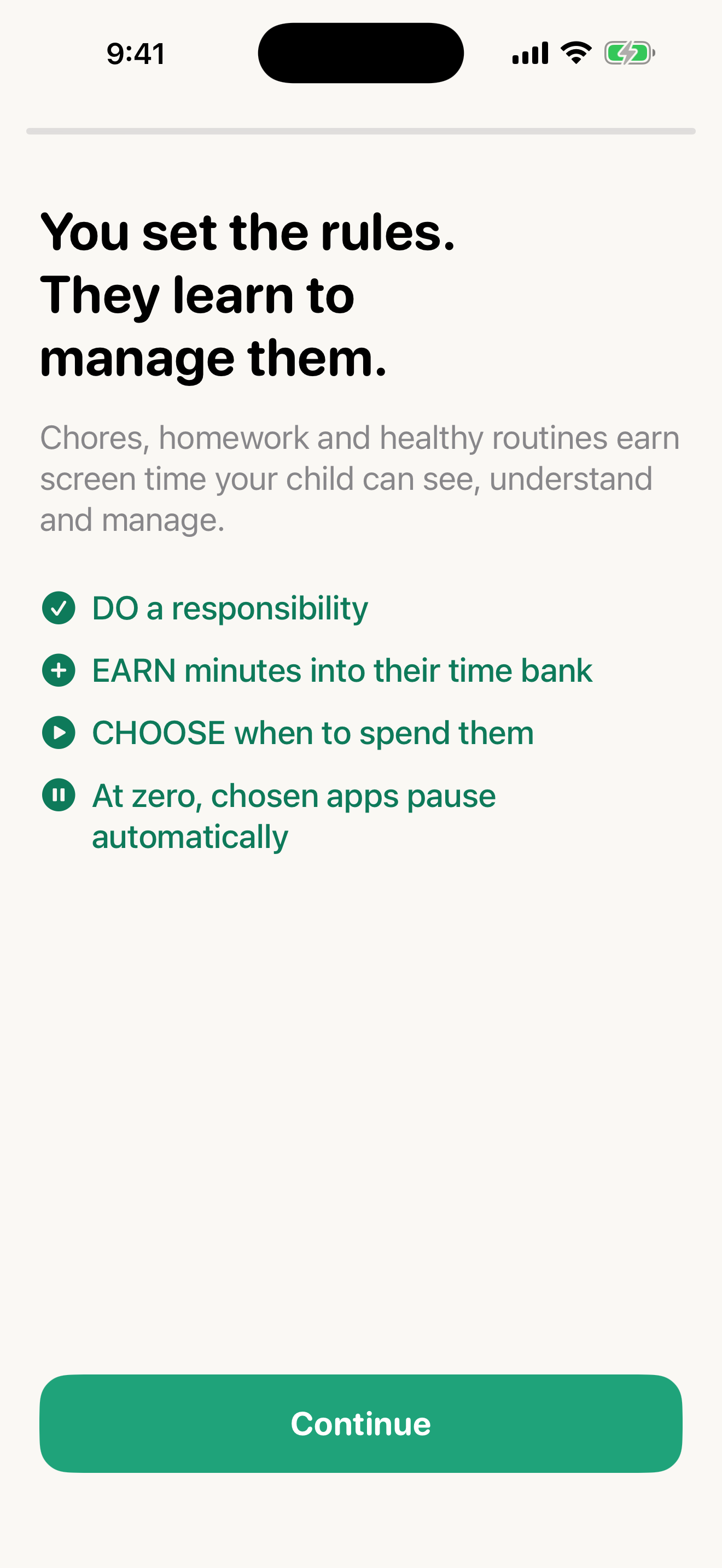
- You set the rules. They learn to manage them.
- Category
- Parenting / parental controls (iPhone)
- Platform
- iPhone, iOS 17 or later
- Price
- Free
- Status
- Public beta on Apple TestFlight; App Store review pending
- Built on
- Apple Screen Time frameworks: Family Controls, Managed Settings, Device Activity
- Designed for
- Parents of children about 6 to 14
- Privacy
- On-device data. No account, no ads, no tracking
- Founder
- Dan Stuart
- Website
- sprigtime.vercel.app
What it does
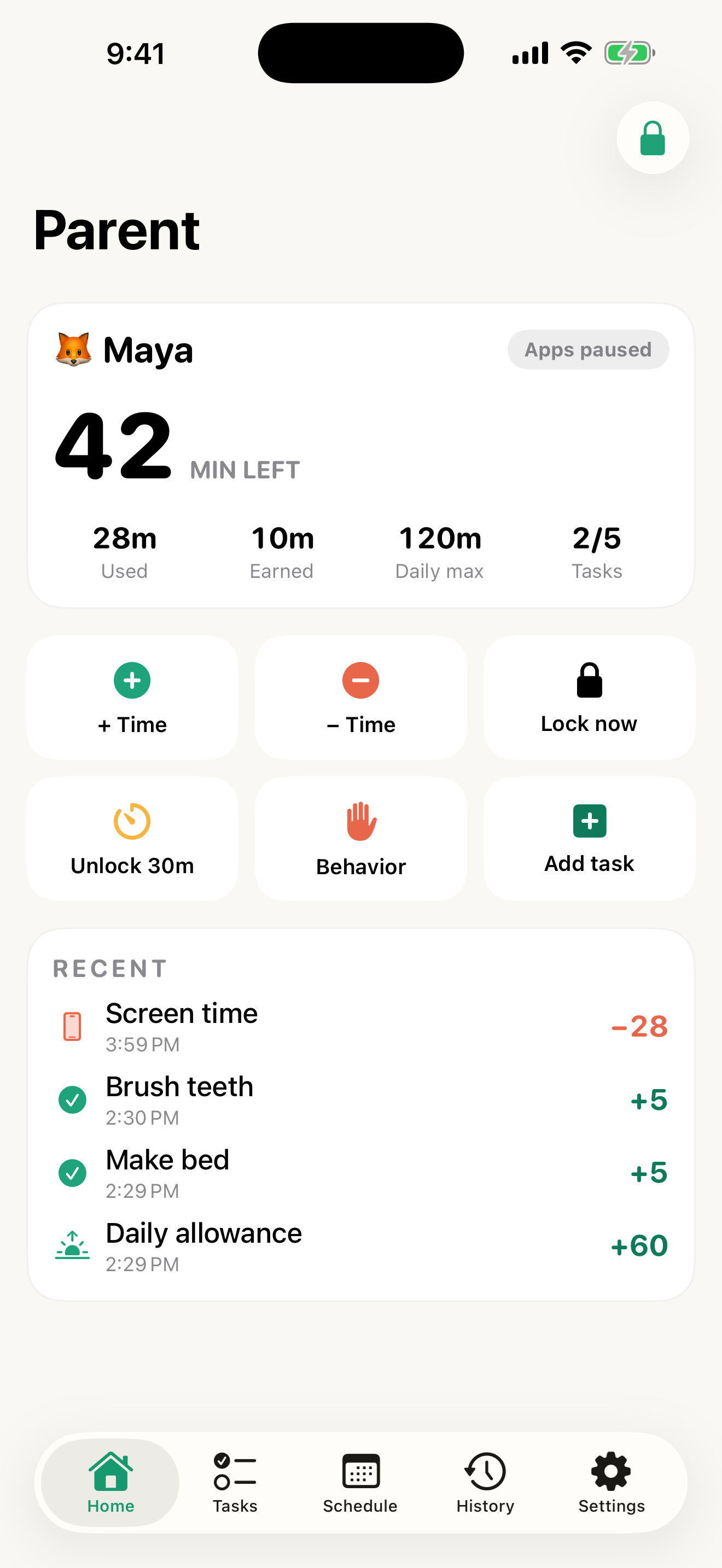
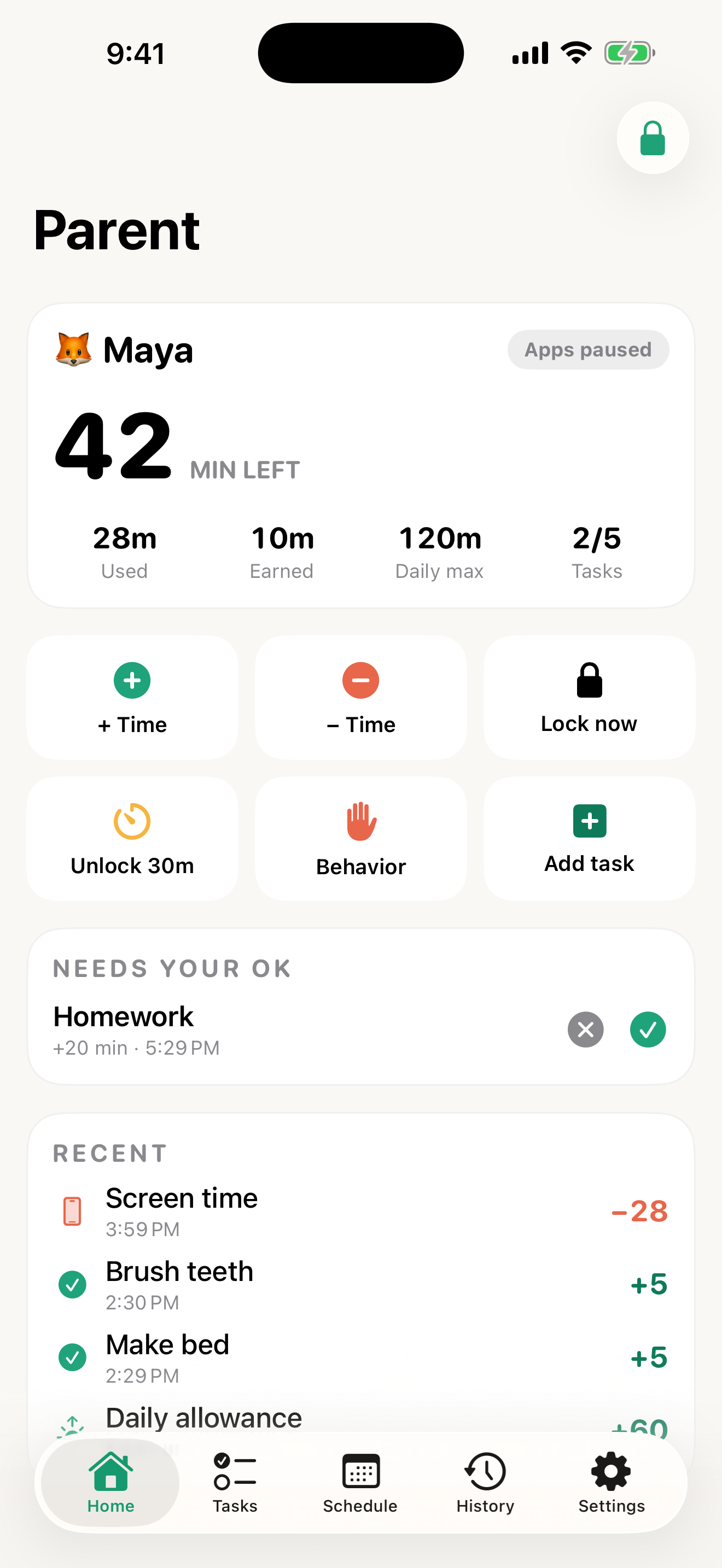
- Parents set the rules: tasks and minute values, daily allowance, daily max, schedules and approvals.
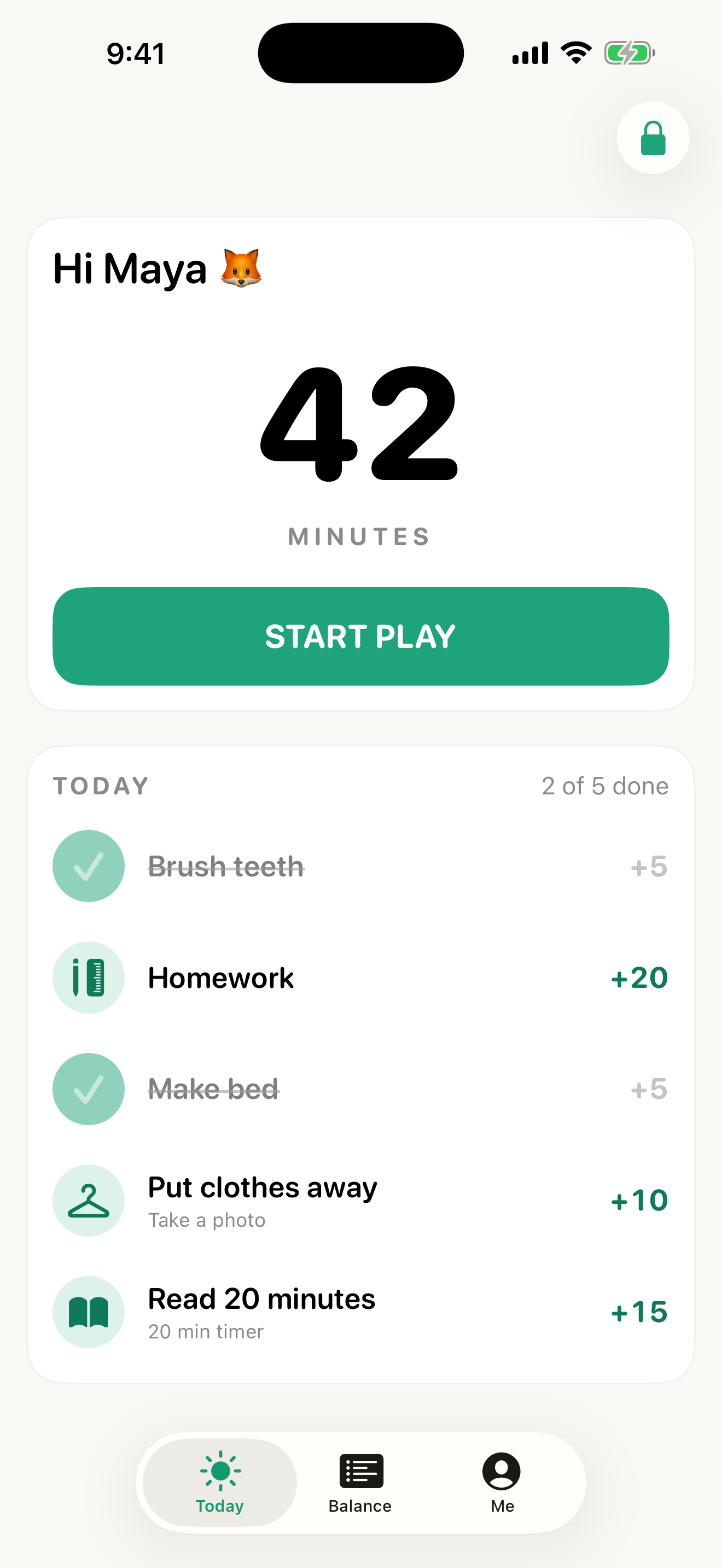
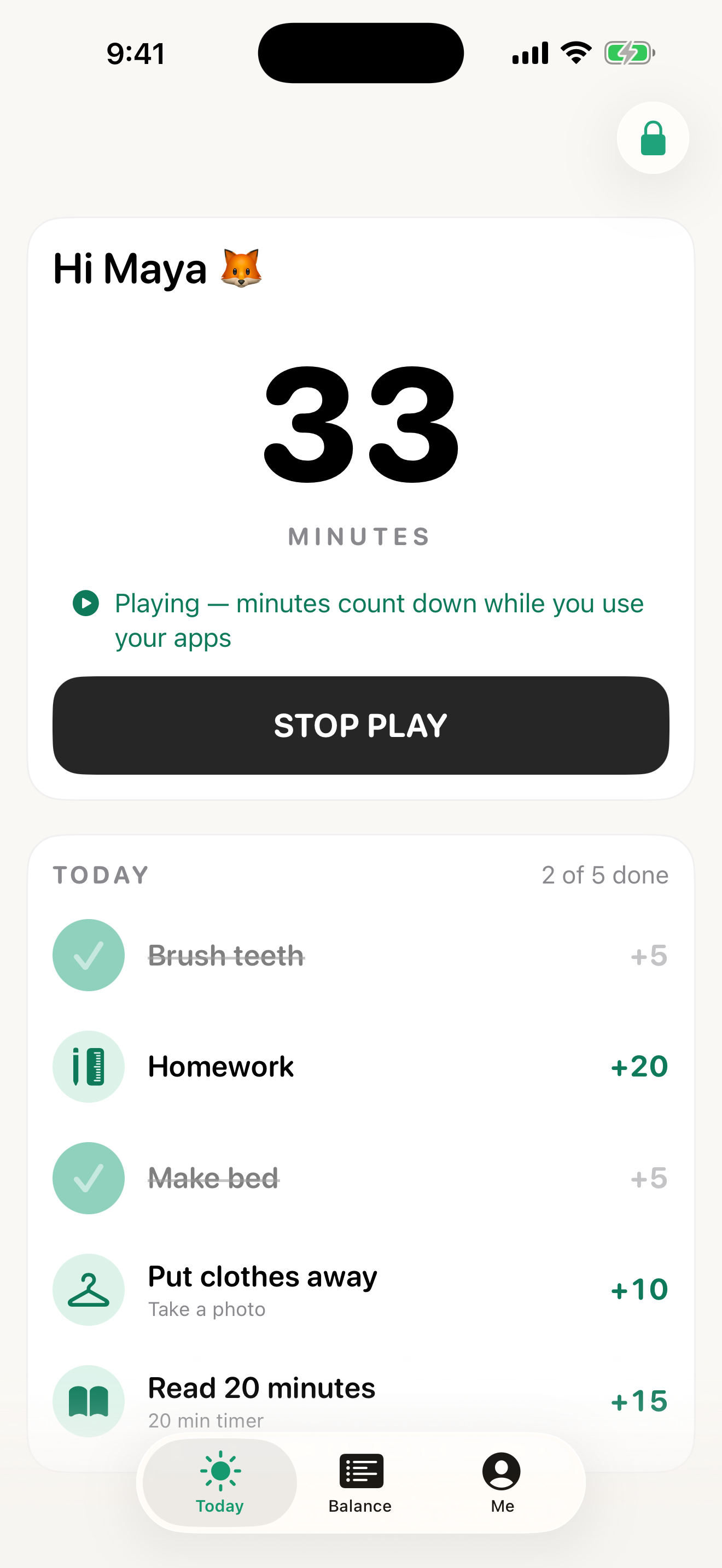
- Kids earn and spend: a time bank with a Start Play button; they decide when to use their minutes.
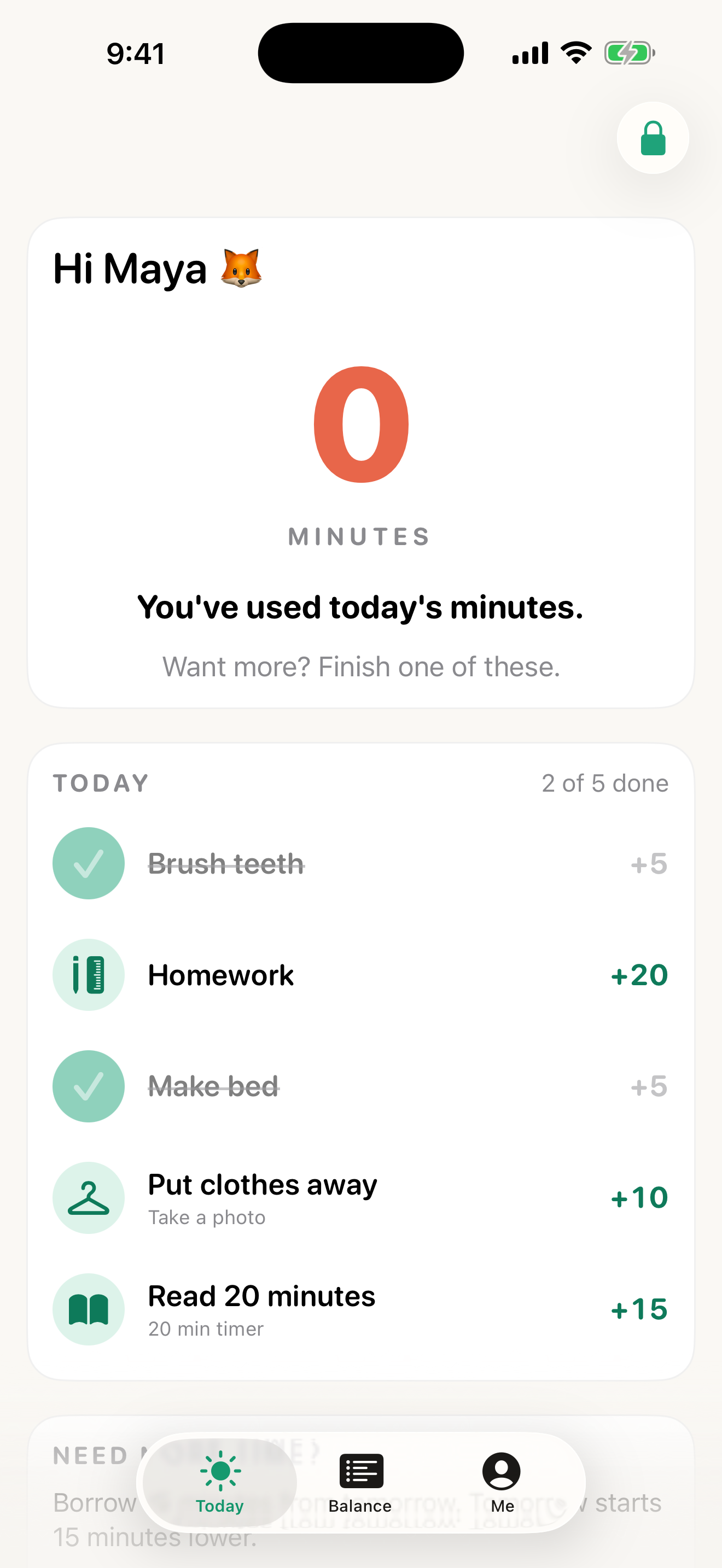
- Apps pause at zero: only the apps a parent chooses, via Apple Screen Time.
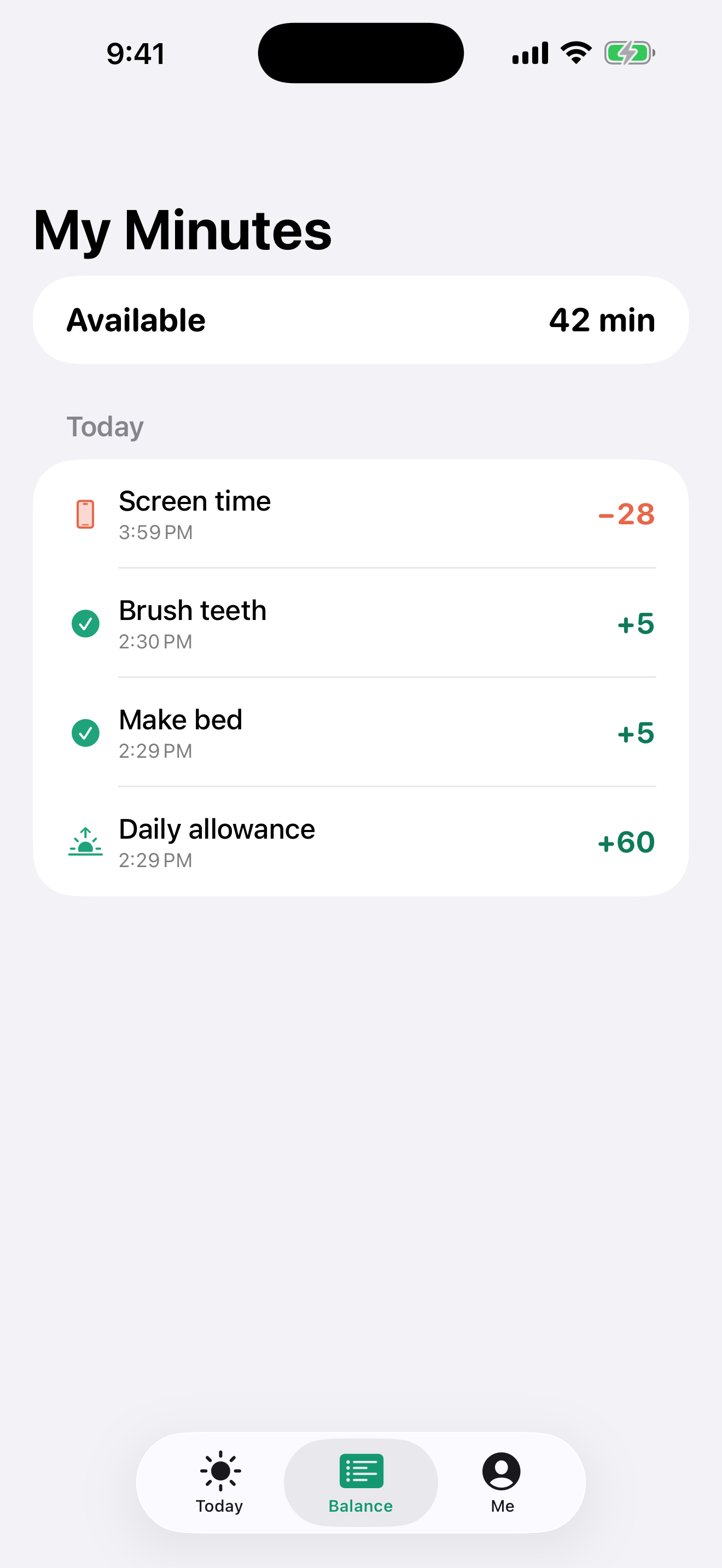
- Ledger history: every minute earned, spent, borrowed or deducted.
- Borrowing: an optional small advance on tomorrow, repaid automatically.
- Restorative consequences: parent-added deductions with a clear way to earn time back.
- Parent PIN on parent controls.
App icon

Screenshots
iPhone 6.9″ screenshots (1320×2868 PNG). The child shown is a demo profile, “Maya.”

More
Apple, iPhone, TestFlight and Screen Time are trademarks of Apple Inc. Sprigtime is not affiliated with Apple.